Modern Jeep Wrangler models combine off-road capability with smart technology. The Uconnect system helps drivers stay connected while keeping their focus on the road. It links smartphones, entertainment features, navigation tools, and vehicle settings through the touchscreen.
From my experience researching vehicle technology systems, the best results come from understanding how Bluetooth pairing, app integration, and system updates work together. A properly configured Jeep Wrangler Uconnect Bluetooth Smartphone and Connectivity Systems setup can make daily drives smoother, safer, and more enjoyable.
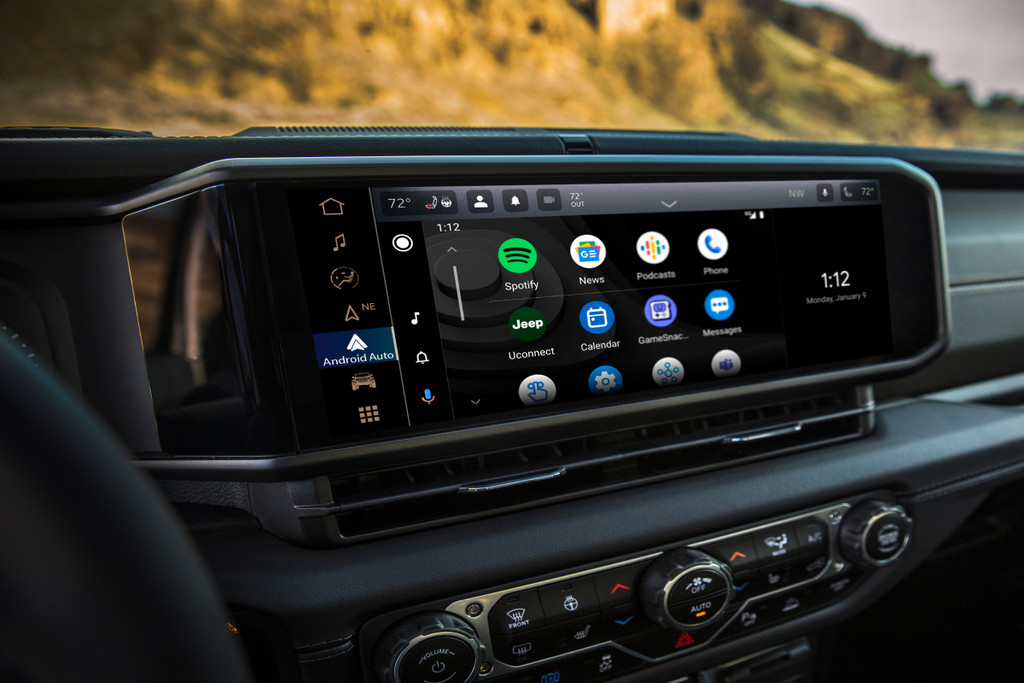
What Is Jeep Wrangler Uconnect and How Does It Work?
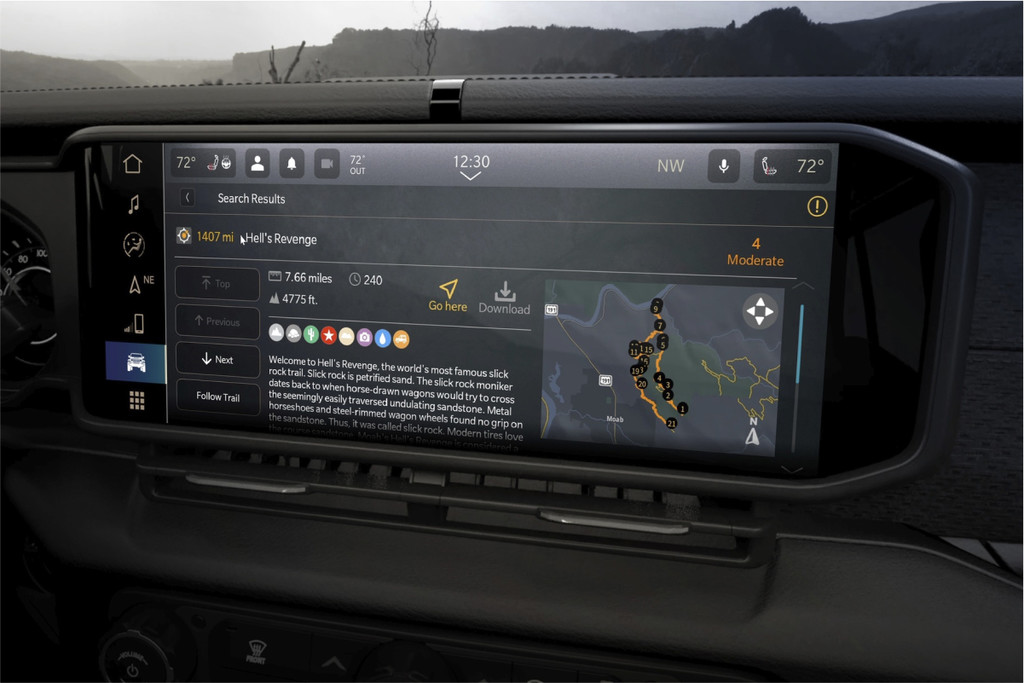
Jeep Wrangler Uconnect is an in-vehicle infotainment platform that controls communication, entertainment, and connected services. It uses a touchscreen display, Bluetooth, USB connections, and smartphone integration features.
The Jeep Wrangler Uconnect Bluetooth Smartphone and Connectivity Systems vary by model year and trim level. Newer versions usually offer faster processors, larger screens, wireless smartphone connections, and more connected services.
- ✦ Bluetooth Calling
Drivers can make and receive hands-free calls through the vehicle speakers and microphone.
- ✦ Media Streaming
The system allows wireless music playback from compatible smartphones.
- ✦ Smartphone Apps
Compatible systems support Apple CarPlay and Android Auto for maps, messages, and apps.
Main Components of the Uconnect System
The system includes the touchscreen display, Bluetooth hardware, voice controls, audio controls, and connected service features. Each part works together to create a simple user experience.
- ✦ Touchscreen Display
Provides access to media, settings, navigation, and phone controls.
How to Connect a Smartphone to Jeep Wrangler Bluetooth
Connecting a phone is one of the most common tasks for Jeep owners. The process is usually quick and requires only a few steps on both the phone and Uconnect touchscreen.
A stable connection improves hands-free calls and audio streaming. If the phone fails to connect, removing old paired devices often solves the issue.
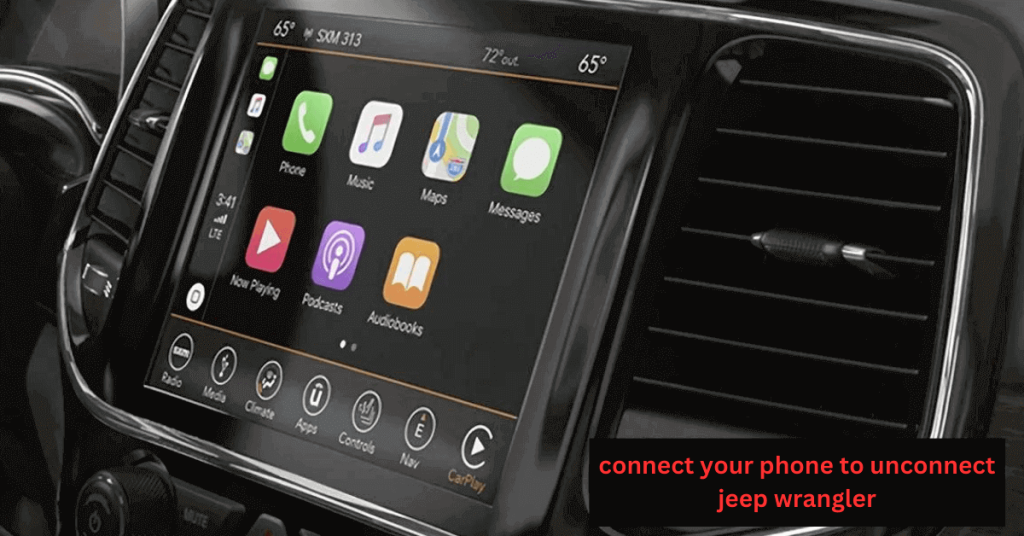
- ✦ Enable Bluetooth
Turn on Bluetooth in your smartphone settings before starting the pairing process.
- ✦ Open Uconnect Phone Menu
Select the phone option on the touchscreen and choose a new device connection.
- ✦ Confirm Pairing Code
Match the code shown on the vehicle screen and smartphone.
Common Bluetooth Pairing Problems
Some drivers experience connection drops because of outdated software, too many saved devices, or phone compatibility issues. Restarting the phone and Uconnect system can often restore normal operation.
- ✦ Clear Old Devices
Delete unused phones from the Uconnect memory to improve connection reliability.
Apple CarPlay and Android Auto Integration
Smartphone integration is a major benefit of Jeep Wrangler Uconnect Bluetooth Smartphone and Connectivity Systems. Apple CarPlay and Android Auto bring familiar phone features directly to the vehicle screen.
Drivers can use navigation apps, send messages with voice commands, and access music without holding a phone. This creates a safer and cleaner driving experience.
- ✦ Navigation Access
Use supported map apps directly through the Uconnect touchscreen.
- ✦ Voice Commands
Control calls, messages, and media using voice assistance.
Wired and Wireless Connections
Some Jeep Wrangler models support wireless connections, while others require a USB cable. The available feature depends on the vehicle year and Uconnect version.
Uconnect Wi-Fi Hotspot and Connected Services
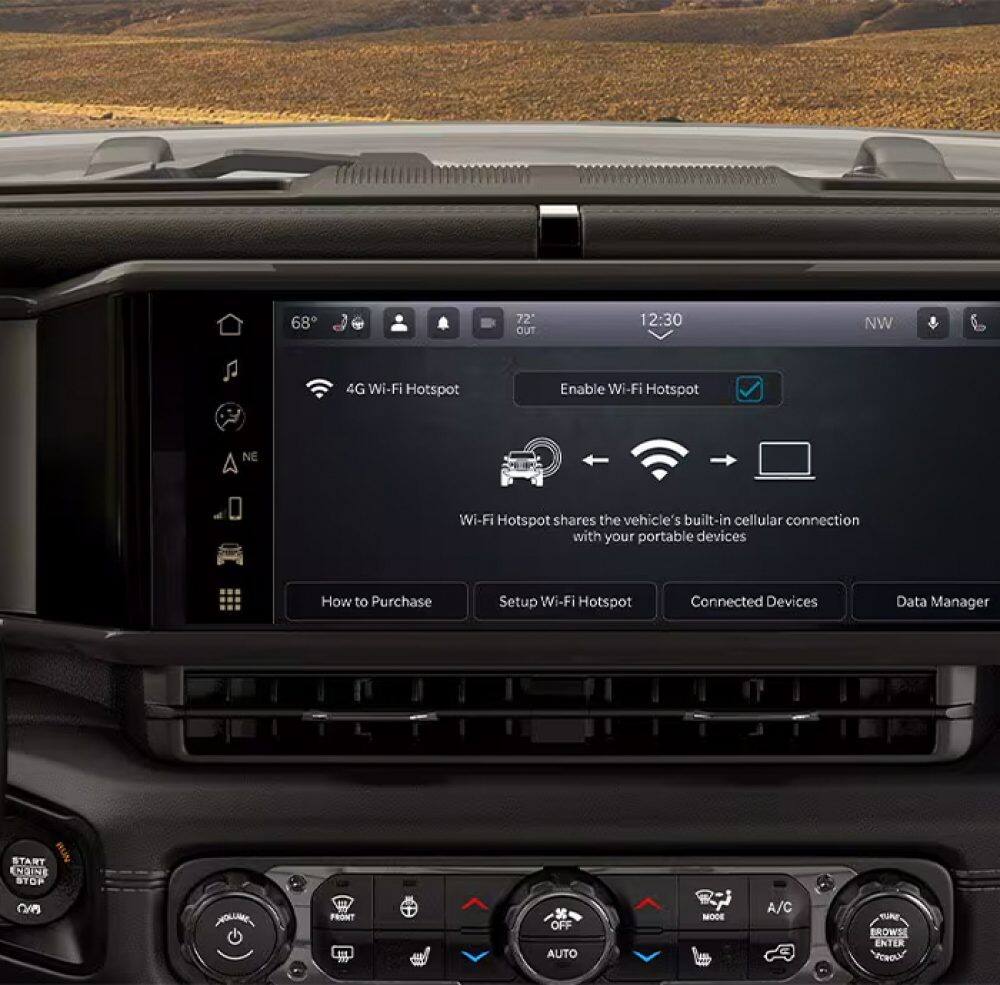
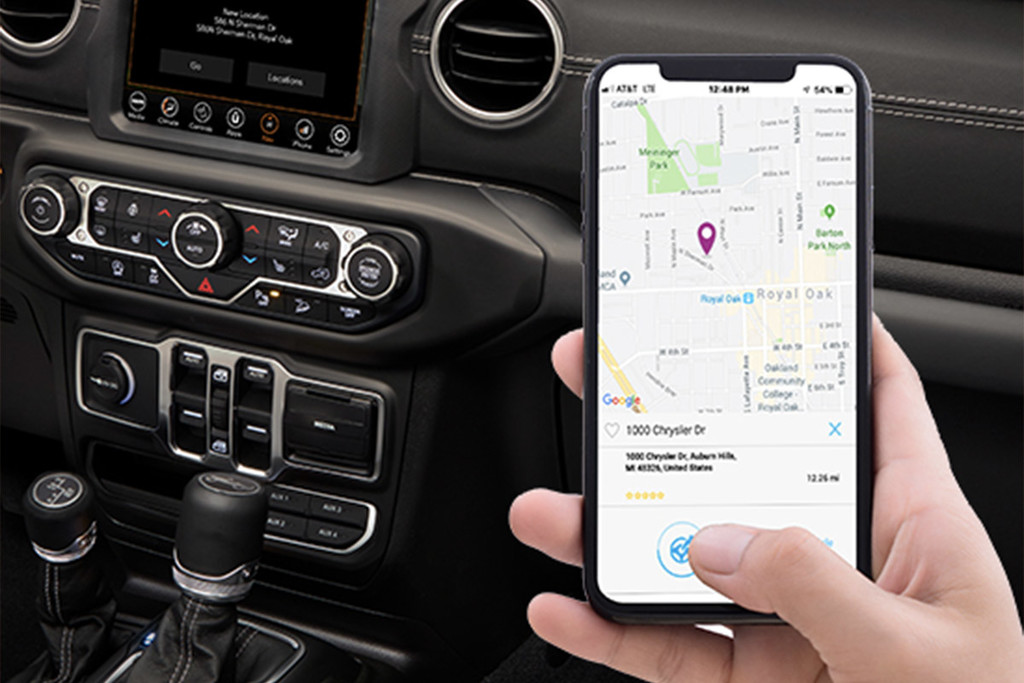
Many Jeep Wrangler models offer available connected services that extend beyond Bluetooth. A built-in Wi-Fi hotspot can help passengers stay connected during road trips.
The Jeep Wrangler Uconnect Bluetooth Smartphone and Connectivity Systems are designed for modern lifestyles, including family travel, outdoor adventures, and long highway drives.
- ✦ Wi-Fi Access
Provides internet connectivity for compatible devices when available.
- ✦ Remote Features
Some connected services allow remote vehicle information and controls through supported apps.
Benefits for Jeep Owners
Connected features reduce distractions and make it easier to manage entertainment, communication, and travel needs from inside the vehicle.
Troubleshooting Jeep Wrangler Uconnect Connectivity Issues
Even reliable systems can face problems. Common issues include Bluetooth disconnects, delayed touchscreen response, missing contacts, and failed smartphone connections.
Most problems can be fixed with simple steps before visiting a service center.
- ✦ Restart the System
A system restart can clear temporary software errors.
- ✦ Update Software
Keeping Uconnect software current can improve performance and compatibility.
- ✦ Check Phone Settings
Confirm Bluetooth permissions and app access on the smartphone.
When Professional Help Is Needed
If the touchscreen freezes often or communication features fail after troubleshooting, a Jeep dealer or qualified technician can inspect the system.