The Complete Guide to Jeep Radio Resetting Software Behavior and Infotainment Troubleshooting helps Jeep owners understand what happens when the radio system freezes, restarts, loses sound, or shows errors. Modern Jeep vehicles use advanced infotainment systems that combine touchscreens, software, communication networks, and control modules.
From my experience studying vehicle electronics, many radio problems are not caused by failed hardware. A simple software reset, power cycle, or update can often restore normal operation. However, repeated failures may point to deeper issues with wiring, battery voltage, or electronic modules.
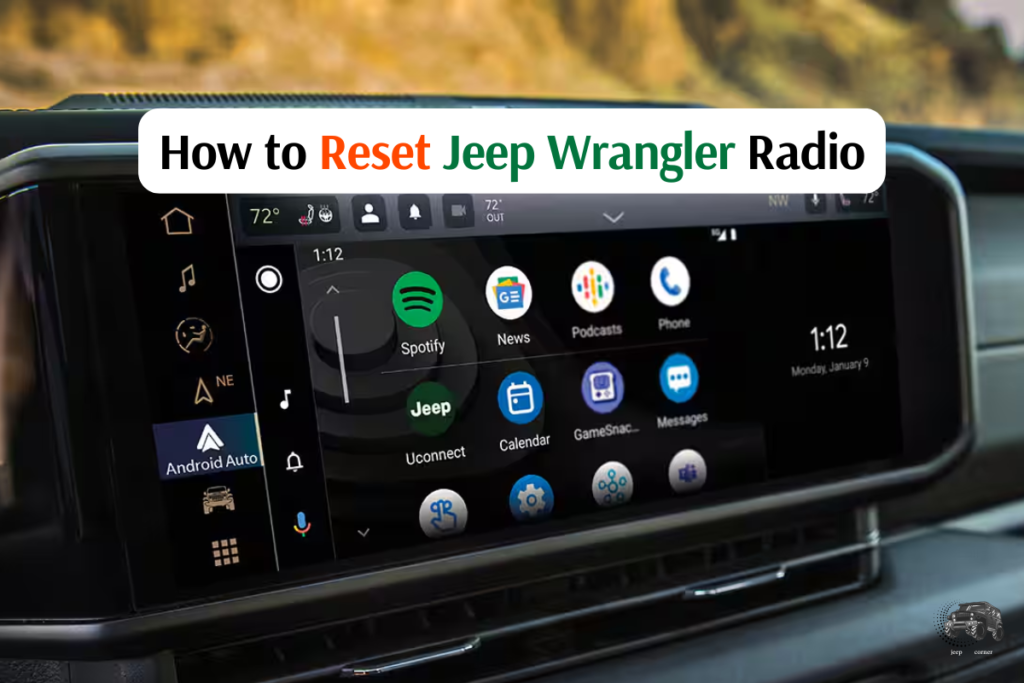
Understanding Jeep Radio Software Behavior and Uconnect Operation
The Complete Guide to Jeep Radio Resetting Software Behavior and Infotainment Troubleshooting starts with understanding how the system works. Jeep radios are small computers that control audio, navigation, phone connections, cameras, and vehicle settings.
The radio does not work alone. It communicates with other vehicle modules through internal networks. A software error in one area can affect many features.

- ✦ Infotainment computer
The radio unit runs software that controls the touchscreen, menus, apps, and connected features.
- ✦ Vehicle communication
The radio exchanges information with other modules through vehicle communication networks.
- ✦ Software memory
Stored settings and temporary data can sometimes create glitches that require a reset.
Why Jeep Radios Freeze or Restart
A Jeep radio may freeze because of software conflicts, low battery voltage, corrupted data, or failed communication between modules.
Many owners notice problems after battery replacement, software updates, extreme temperatures, or long periods without driving.
- ✦ Common causes
Software bugs, weak batteries, loose connections, and outdated firmware can trigger radio problems.
How Jeep Radio Reset Procedures Work
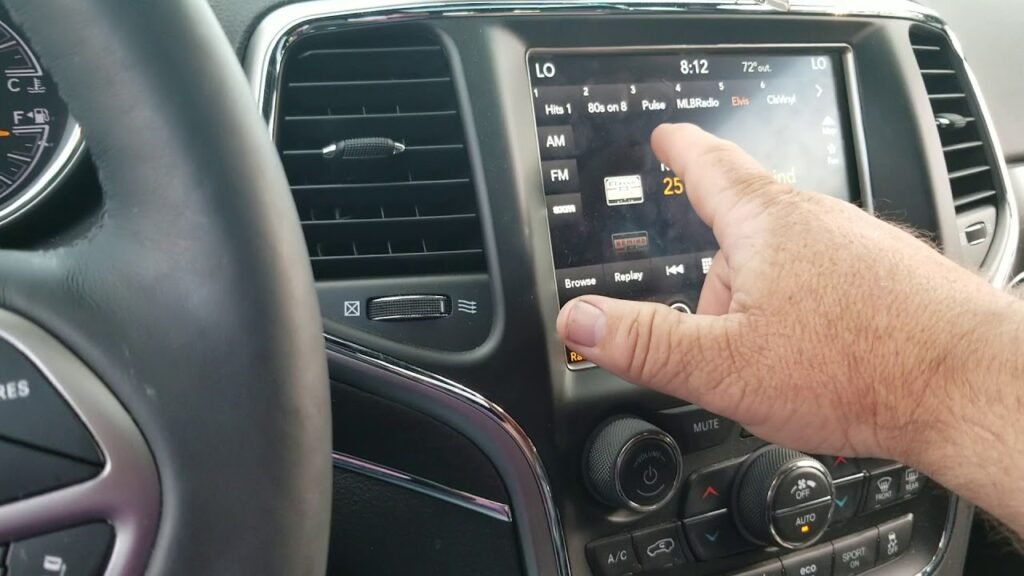
A Jeep radio reset clears temporary software problems and forces the infotainment system to restart. The exact method depends on the Jeep model, radio version, and Uconnect generation.
A reset does not usually erase important vehicle information. However, some settings like saved stations, Bluetooth connections, or user preferences may need to be restored.
- ✦ Soft reset
A soft reset restarts the system without removing all stored settings.
- ✦ Factory reset
A factory reset removes personal settings and returns the radio software to default conditions.
- ✦ Power cycle
Disconnecting power temporarily can allow electronic modules to restart.
When a Reset Should Be Your First Step
A reset is useful when the touchscreen becomes slow, the radio stops responding, Bluetooth fails, or the system freezes.
It is a practical first step because it is fast and does not require special tools.
- ✦ Good reset situations
Frozen screens, missing audio, connection problems, and temporary software errors often improve after a reset.
Common Jeep Infotainment Problems and Their Causes
The Complete Guide to Jeep Radio Resetting Software Behavior and Infotainment Troubleshooting covers many problems reported by Jeep drivers. Symptoms can look similar even when the causes are different.
Finding the pattern of the problem helps avoid unnecessary part replacement. A careful diagnosis saves time and money.

- ✦ Frozen touchscreen
A frozen display may result from software errors, memory issues, or communication problems.
- ✦ No sound
Audio loss can come from software settings, amplifier issues, or module communication failures.
- ✦ Bluetooth failures
Phone connection problems may happen because of outdated software or pairing conflicts.
Radio Screen Problems
A black screen or slow response does not always mean the display is damaged. The radio computer may simply need a restart.
If the issue returns often, checking battery health and software updates becomes important.
- ✦ Check before replacing parts
Verify power supply, updates, and resets before replacing the radio unit.
Jeep Software Updates and Their Role in Radio Performance
Software updates are an important part of modern vehicle ownership. Jeep infotainment systems receive updates that can improve reliability and correct known software issues.
An outdated system may have problems with phone compatibility, navigation, or system stability.

- ✦ Update benefits
Updates can improve system behavior, fix errors, and support newer connected devices.
- ✦ Update caution
A stable battery and correct update process help prevent failed installations.
Reset Versus Software Update
A reset clears temporary problems, while an update changes the software itself. These solutions solve different types of issues.
If a problem returns after multiple resets, the system may need an update or deeper diagnosis.
- ✦ Simple difference
Reset restarts the system, while updates improve or change software behavior.
Electrical Issues That Affect Jeep Radios
Many infotainment problems begin with electrical conditions. The radio needs stable voltage to operate correctly.
A weak battery, poor ground connection, or charging problem can create strange electronic behavior.
- ✦ Battery condition
Low voltage can cause screens to restart, settings to disappear, or modules to disconnect.
- ✦ Ground connections
Poor electrical grounds can interrupt communication between vehicle systems.
- ✦ Charging system
Alternator problems may create unstable electrical conditions.
Why Voltage Testing Matters
Professional diagnosis often begins with checking battery voltage and electrical connections. This simple step can prevent replacing expensive electronics unnecessarily.
A healthy electrical system gives the radio the stable power it needs.
- ✦ Basic inspection
Check battery terminals, voltage levels, and visible wiring conditions.
Advanced Jeep Infotainment Troubleshooting Steps
When basic resets fail, a deeper troubleshooting process helps identify the real cause. Technicians often check software versions, stored errors, and module communication.
The Complete Guide to Jeep Radio Resetting Software Behavior and Infotainment Troubleshooting shows that diagnosis should follow a logical order.
- ✦ Scan vehicle modules
Diagnostic tools can reveal communication errors between electronic systems.
- ✦ Check software version
Confirm that the infotainment system uses the correct software.
- ✦ Inspect connections
Loose connectors can create intermittent radio failures.
Knowing When Professional Help Is Needed
Repeated failures, warning messages, or complete radio shutdowns may require professional inspection.
A qualified technician can test the system without guessing or replacing parts blindly.
- ✦ Professional diagnosis
Use advanced tools when simple troubleshooting does not solve the issue.
Frequently Asked Questions about Complete Guide to Jeep Radio Resetting Software Behavior and Infotainment Troubleshooting

Jeepexplorerr
Contributor