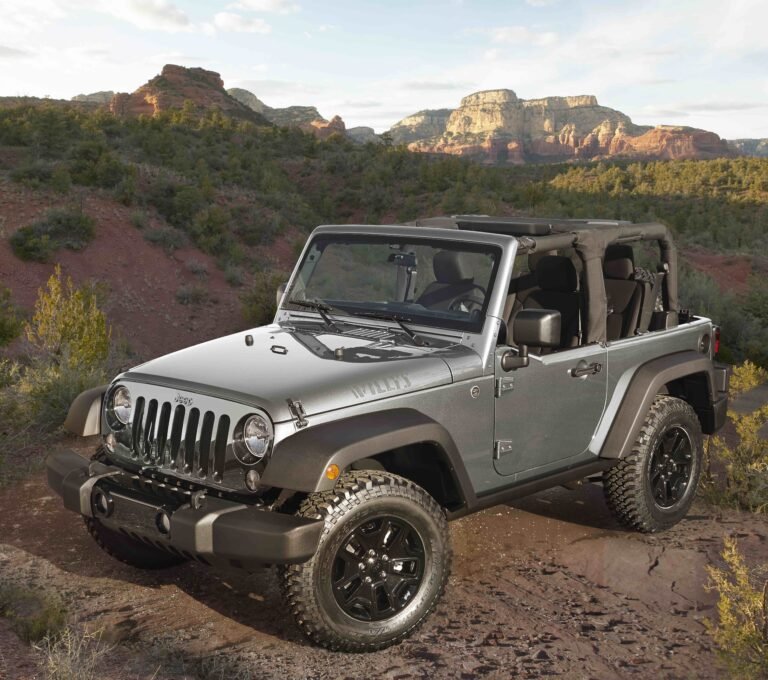
Pair your phone with Uconnect: enable Bluetooth on both, select Jeep device, confirm PIN to connect.
I have connected Bluetooth in many Jeep Wranglers over the years. This guide explains exactly how to connect Bluetooth in Jeep Wrangler models step by step. I blend clear instructions, quick troubleshooting, and real experience so you can pair your phone fast. Read on to get your music, calls, and navigation working with confidence.
Why pair Bluetooth in a Jeep Wrangler matters
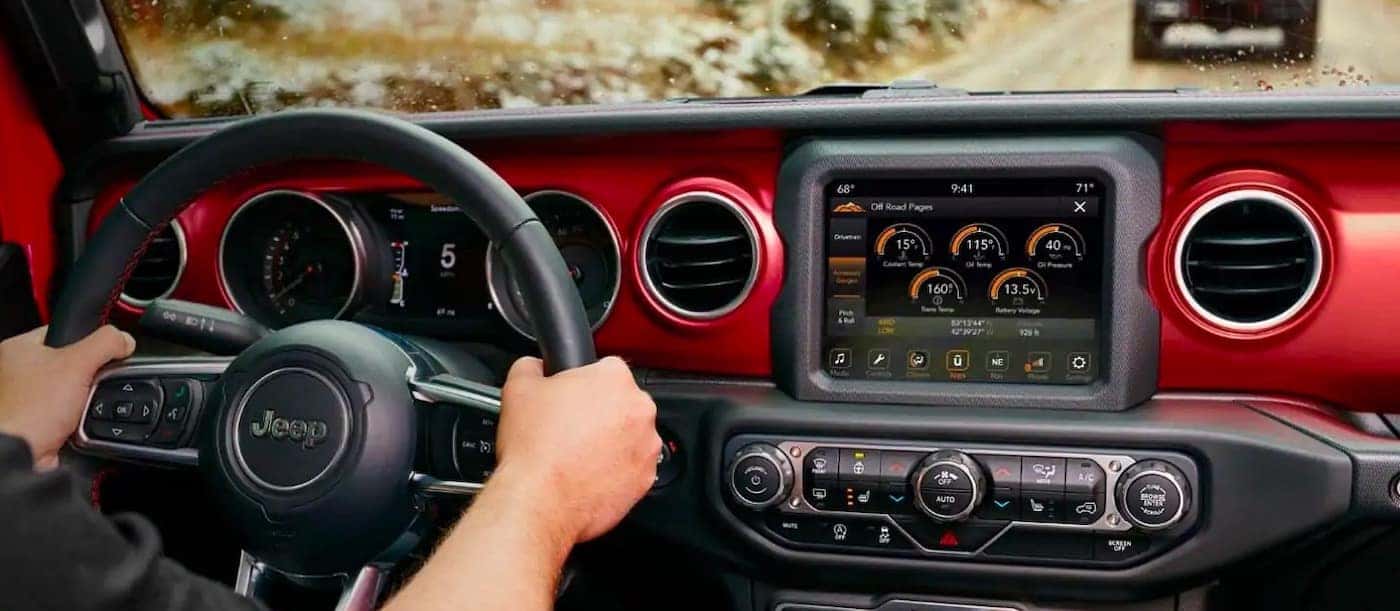
Pairing Bluetooth in your Jeep Wrangler keeps you hands-free and safe on the road. It lets you stream music, take calls, and send navigation from your phone. Modern Jeep radios use Uconnect or similar systems. Older Wranglers have different steps, but the goal is the same. Knowing how to connect bluetooth in jeep wrangler saves time and frustration.
What you need before you connect
Keep things simple. Gather these items first.
- Your phone with Bluetooth on and charged.
- Your Jeep Wrangler with the ignition in ACC or ON.
- The radio system name (like Uconnect) if you see it.
- Your phone PIN or passkey ready if asked.
If your Wrangler is older than 2015, check the owner manual. Newer models use Uconnect and are easier to pair. Knowing how to connect bluetooth in jeep wrangler starts with preparation.

Step-by-step: how to connect bluetooth in jeep wrangler (Uconnect models)
Follow these short steps. They work for most Uconnect radios found in Wranglers.
- Turn on your Jeep and set the radio to Uconnect or Media.
- Put the radio in Phone or Bluetooth menu. Look for "Add Device" or "Pair Phone."
- On your phone, open Settings, then Bluetooth. Turn Bluetooth on.
- Wait for your Jeep's system name to appear on your phone. It often shows as "Uconnect" or "Jeep."
- Tap the Jeep system name on your phone to start pairing.
- Confirm the PIN shown on both screens matches. Tap Pair or Yes on the phone and radio.
- Allow contacts and messages if you want hands-free calling and text features.
- Test a call or play music to confirm the connection.
These steps cover how to connect bluetooth in jeep wrangler Uconnect radios. If you see no PIN, some phones pair automatically. Repeat the steps if the first try fails.

How to connect bluetooth in jeep wrangler (older radios and basic systems)
Older Wranglers may not have Uconnect. Use this simple route.
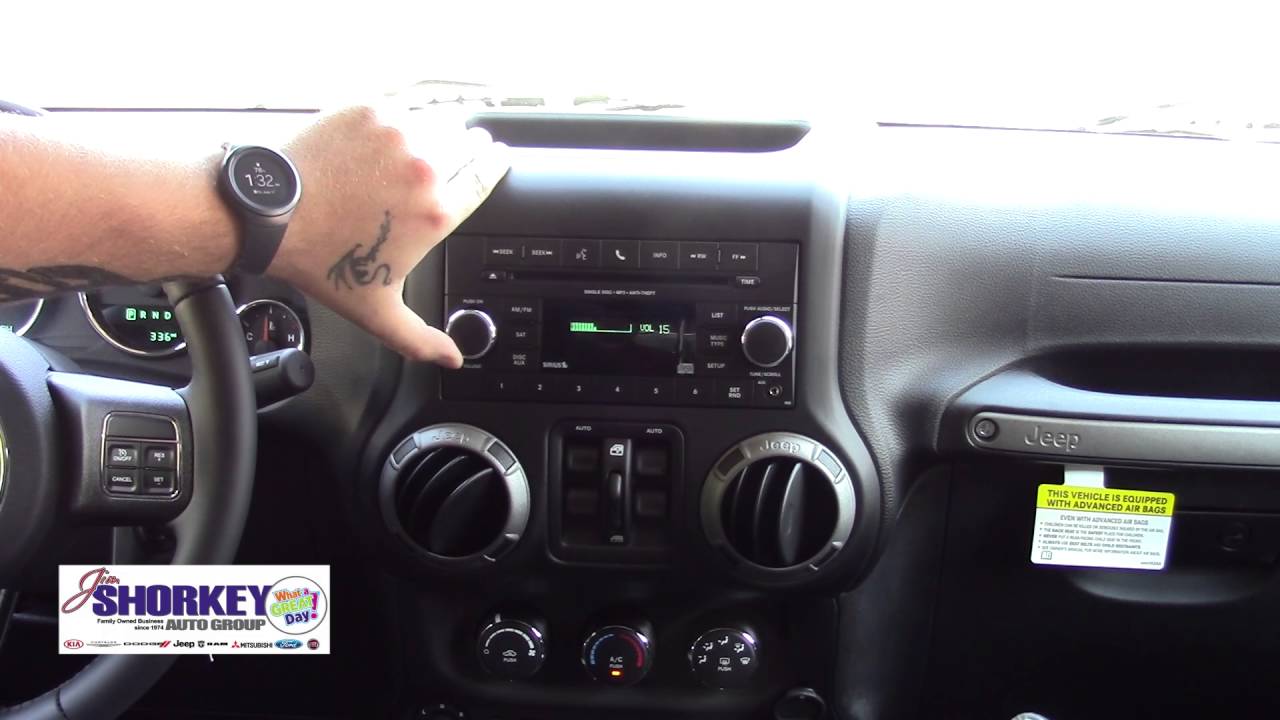
- Put the radio in Bluetooth pairing mode. This is often under Settings or Phone.
- On the phone, scan for devices and pick the radio name.
- Enter the PIN. Common PINs are 0000 or 1234 when not shown.
- Save the device. Set it as a favorite if available.
If your Wrangler has an AUX jack but no Bluetooth, consider a Bluetooth adapter. It plugs into AUX or USB and gives wireless audio. This is another valid way to learn how to connect bluetooth in jeep wrangler models without built-in Bluetooth.
Troubleshooting common Bluetooth problems
Problems happen. Here are quick fixes I use.
- Device not found: Turn Bluetooth off and on. Restart both phone and radio. Try pairing again.
- PIN mismatch: Cancel and restart pairing. Use the default PIN if prompted.
- Connected but no sound: Check media volume on both devices. Ensure audio source is set to Bluetooth on the radio.
- Drops or disconnects: Remove old paired devices from radio. Keep phone software updated.
- Phone won't share contacts: Grant permission when asked. Re-pair if needed.
If you try all fixes and still fail, a radio software update can help. A dealer or authorized shop can update Uconnect. This often fixes persistent pairing bugs.

Tips, personal experience, and mistakes to avoid
I have paired phones in rain, at night, and during long trips. Mistakes repeat. Learn from them.
- Turn off other Bluetooth devices. Extra devices can confuse pairing.
- Enable contacts access when first asked. It makes calls easy.
- Keep phone software current. I solved a Bluetooth bug with a phone update.
- If your Wrangler has multiple user profiles, pick the right one. I once paired to a guest profile and lost settings.
- Use a quality Bluetooth adapter for older radios. Cheap adapters can lag.
These tips come from hands-on use and small repairs. They teach how to connect bluetooth in jeep wrangler the right way.
Upgrades and aftermarket Bluetooth options
If factory Bluetooth is limited, upgrades help. Consider these choices.
- USB Bluetooth adapters for newer radios. They add features like media and calls.
- AUX Bluetooth dongles for very old radios. They are cheap and simple.
- Aftermarket head units with modern Bluetooth and Apple CarPlay or Android Auto.
- Hands-free kits that plug into the vehicle wiring if you want a clean install.
Upgrading can add safety and convenience. Weigh cost, features, and installation time before you upgrade. Knowing how to connect bluetooth in jeep wrangler may mean choosing a new head unit.

Security and privacy when using Bluetooth
Bluetooth is convenient but has risks. Use safe habits.
- Do not pair in public places. Wait until safe to connect.
- Remove old devices you no longer use from the radio.
- Keep phone Bluetooth off when not needed.
- Deny unnecessary permissions if an app requests them.
These steps protect your data and keep your pairing stable.
Frequently Asked Questions of how to connect bluetooth in jeep wrangler
How do I pair my phone to a Jeep Wrangler with Uconnect?
Turn on the Jeep and phone Bluetooth. Select Add Device on Uconnect. Choose the Uconnect name on your phone and confirm the PIN on both screens.
Why won't my phone find the Jeep's Bluetooth?
Turn off other Bluetooth devices and restart both the phone and the radio. Make sure the radio is in pairing mode and visible to new devices.
What PIN should I use for Bluetooth pairing?
Most systems show a PIN on both devices. If none appears, try common defaults like 0000 or 1234. Confirm the PIN if it displays on both screens.
Can I connect two phones at once in a Jeep Wrangler?
Many Uconnect systems support two phones for calls or media. Check your radio manual for limits and how to switch the active device.
My Bluetooth connects but audio won't play. What should I check?
Check media volume on the phone and the radio. Make sure the radio source is set to Bluetooth or Phone Audio. Re-pair if the issue continues.
Conclusion
You can quickly learn how to connect bluetooth in jeep wrangler by following clear steps. Start with preparation, follow pairing steps for your radio, and use simple fixes when problems arise. Try the pairing once at home to avoid hassle later. Now go pair your phone, enjoy hands-free calls, and stream your favorite music on the road. If this guide helped, leave a comment or subscribe for more Jeep tips.